Debug
every
request
An HTTPS proxy for Windows and macOS. Pause, edit and replay any request, and the server still sees your app's own fingerprint.
Download for Windows0.3.0 · Windows and macOS
 zhttp
Download
An HTTPS proxy for Windows and macOS. Pause, edit and replay any request, and the server still sees your app's own fingerprint.
Every host, request, body and handshake in one window, as it arrives.
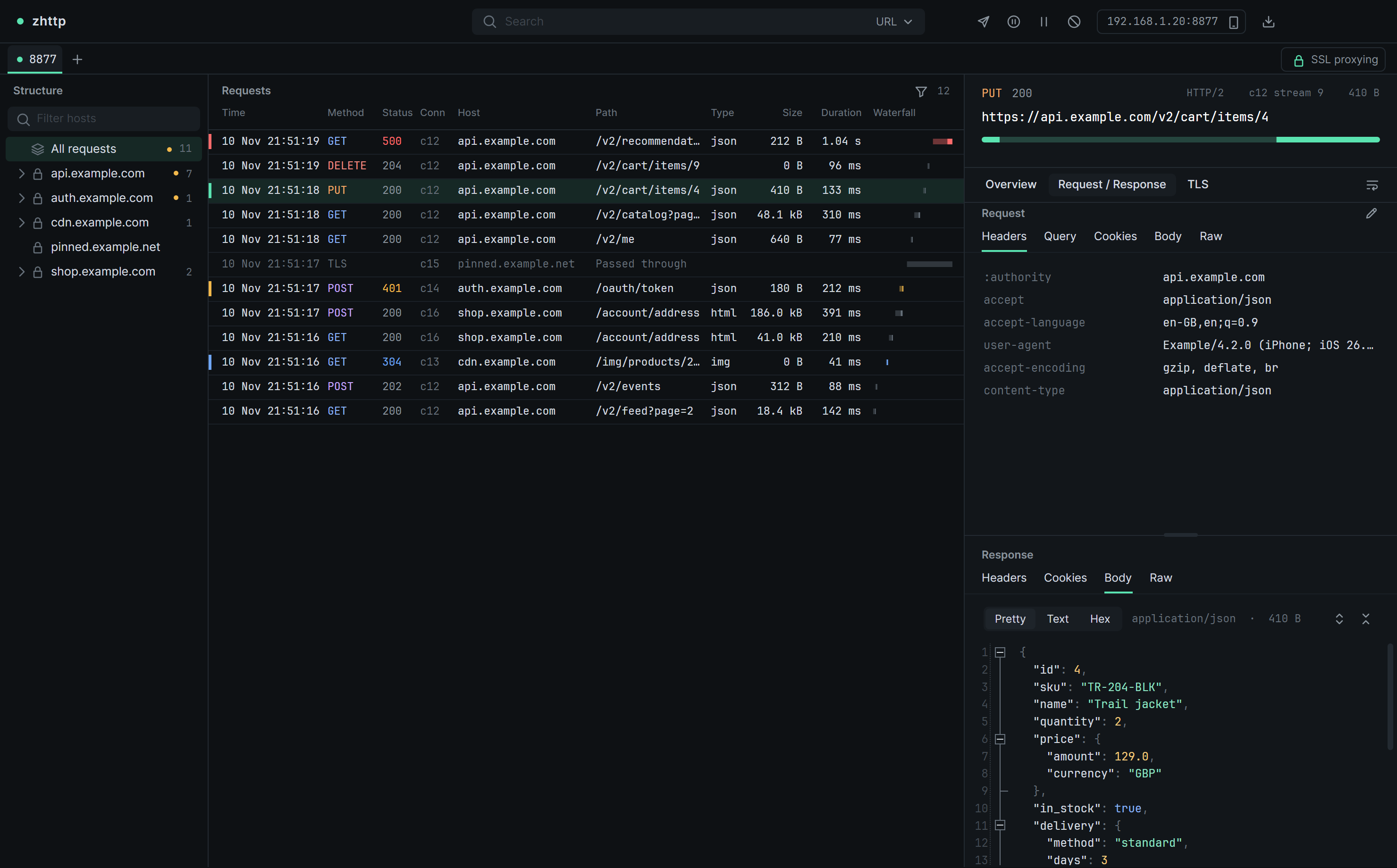
Pause a request or a response on its way through. Edit the status, headers or body, then resume or drop it.
Answer any URL with a file from disk, until you untick the rule.
Leave pinned or private hosts encrypted, one by one or with a wildcard.
A built-in MCP server. Your agent can search, diff and replay everything you captured.
Send any captured request again, with your app's own TLS and HTTP/2 fingerprint.
Write a new request from any captured one with Ctrl+E. It goes out the same way your app's would.
JA3, HTTP/2 settings and header order match too.
The engine runs on its own, with a key log for Wireshark.
Save a session, open it later, or drop it on the window.
Start capturing